Teach from your textbook.
Let AI do the preparation.

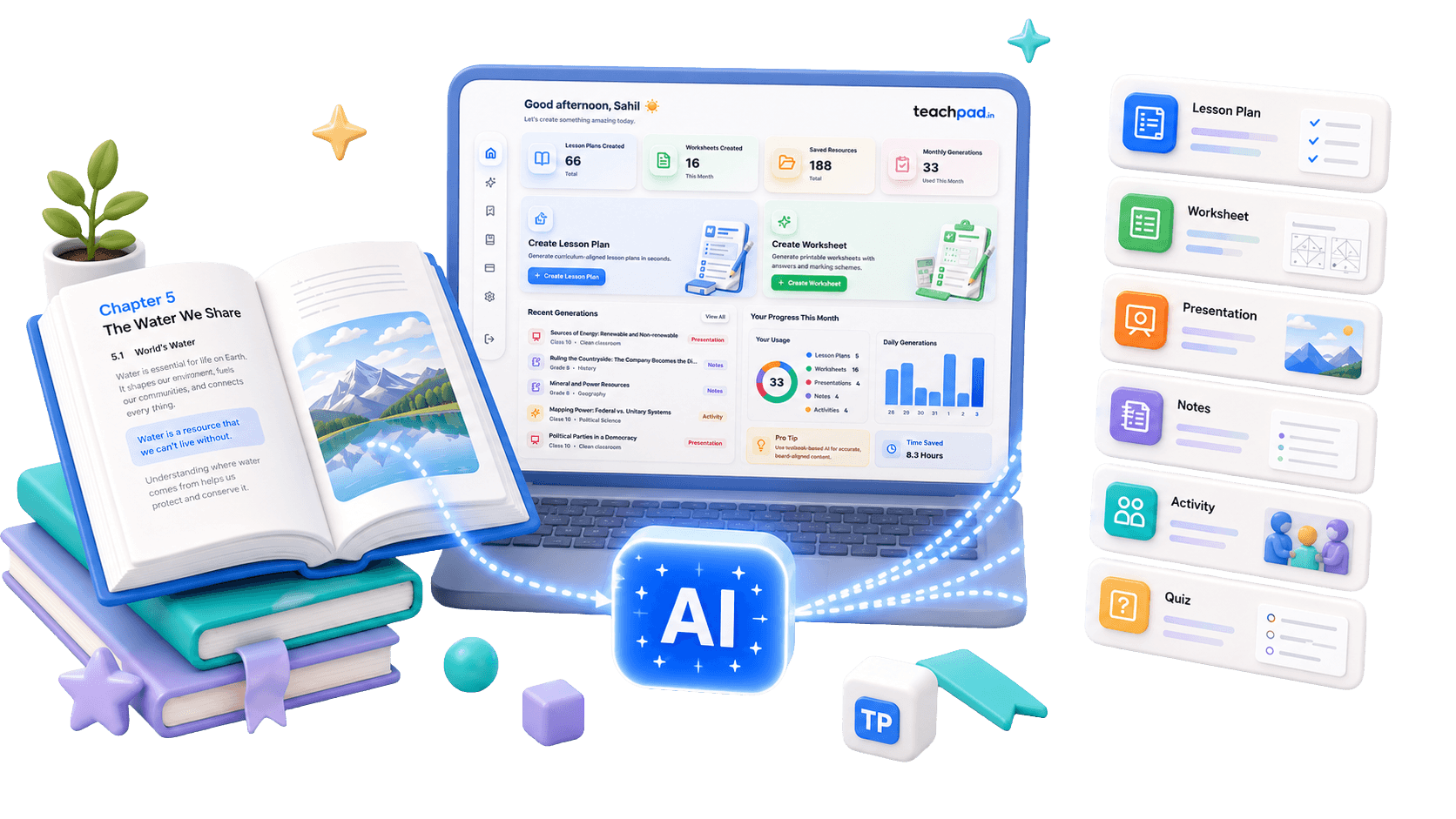
TeachPad helps teachers create lesson plans, worksheets, presentations, notes, and activities directly from the textbook chapter they are teaching.

TeachPad dashboard showing textbook-based lesson planning, worksheet generation, notes, presentations, and classroom activities.

AI tools

One textbook. Many classroom resources.

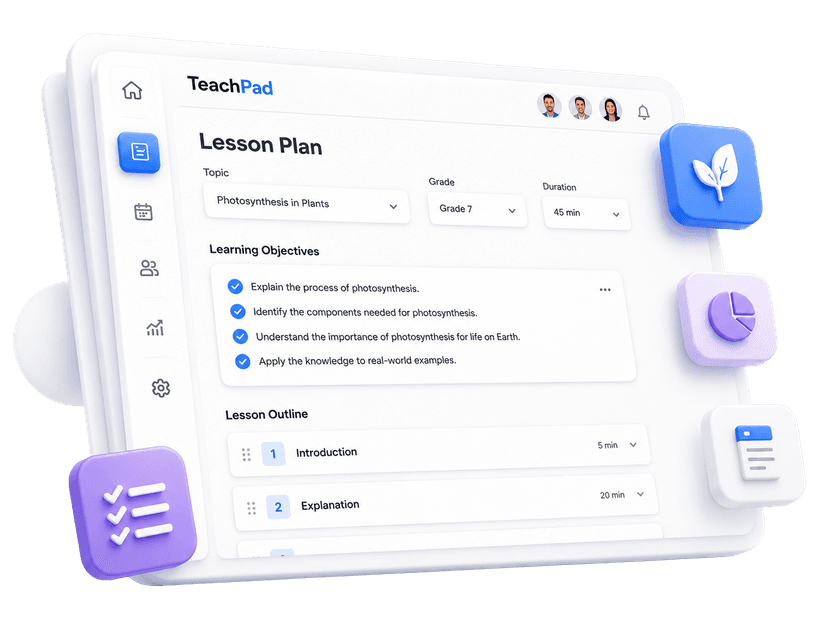
TeachPad lesson plan output preview with objectives, classroom flow, and assessment details.

Lesson Plan Generator

Create structured lesson plans with objectives, flow, assessment, homework, and teacher notes from the chapter you select.
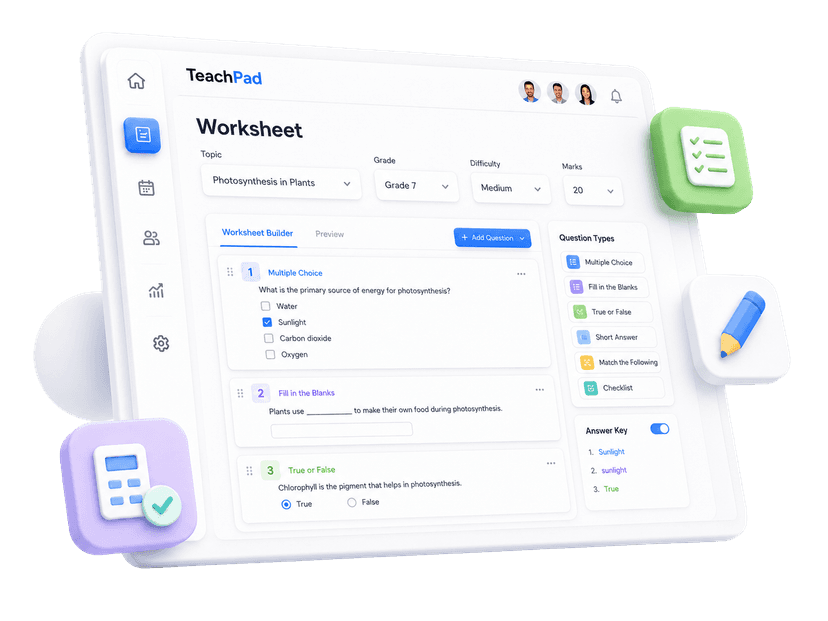
TeachPad worksheet output preview with textbook-based practice questions.

Worksheet Generator

Generate printable worksheets, answer keys, and marking schemes from your selected textbook chapter.
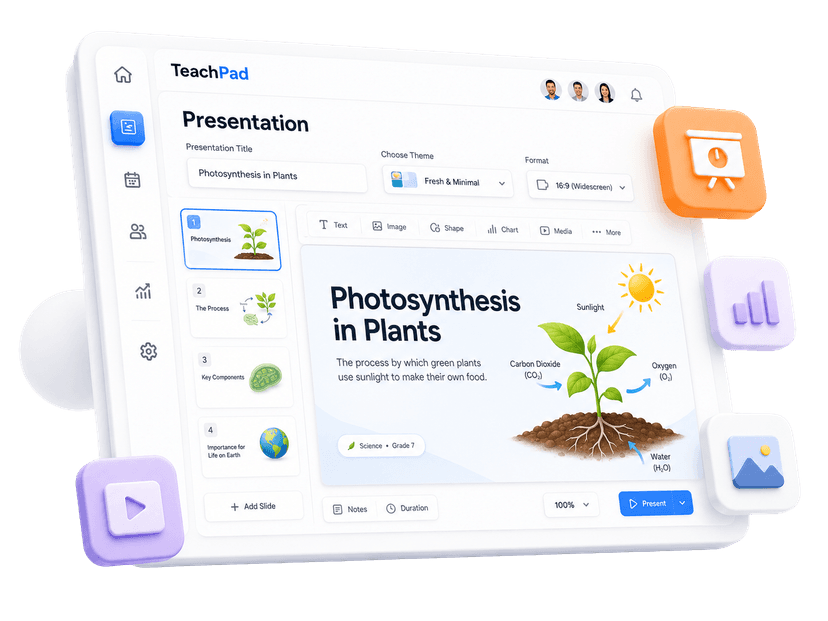
TeachPad presentation output preview with classroom slide content.

Presentation Generator

Turn textbook concepts into classroom slides with examples, speaker notes, and teachable structure.
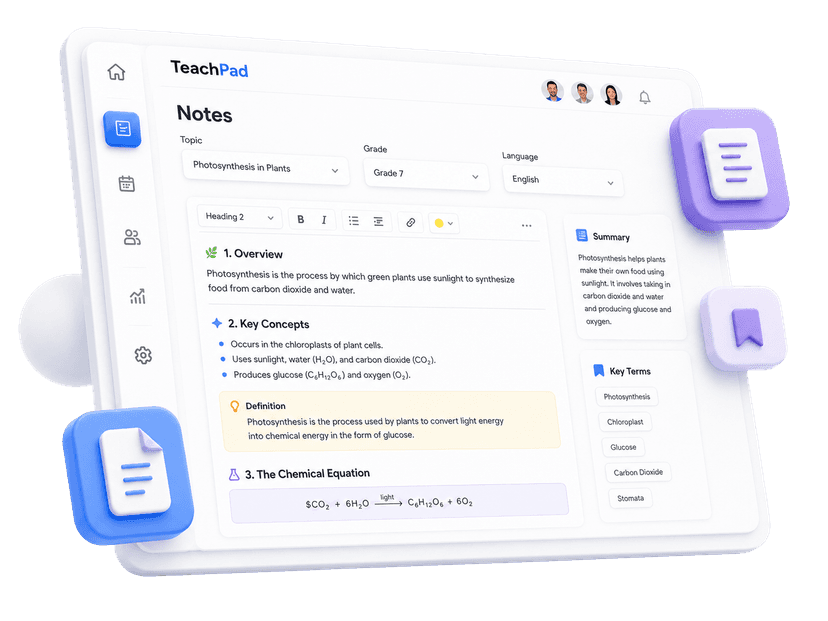
TeachPad notes output preview with chapter summaries and key terms.

Notes Generator

Create chapter notes with summaries, key terms, definitions, and revision-friendly structure.
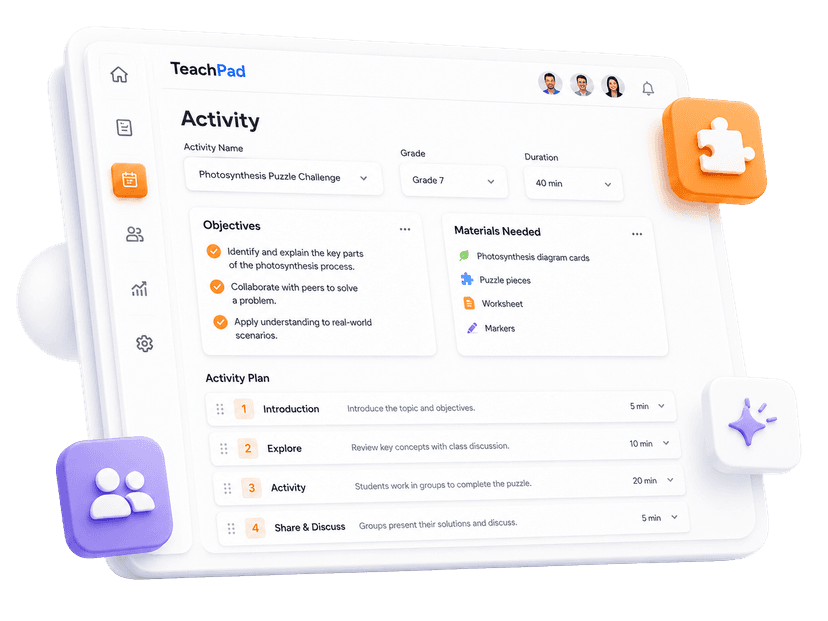
TeachPad classroom activity output preview with steps, timings, and reflection prompts.

Classroom Activity Generator

Build classroom activities with materials, steps, timing, grouping ideas, and reflection prompts.

TeachPad writing assistant document editor preview.

Writing Assistant

Draft parent messages, remarks, feedback, circulars, letters, emails, and bilingual rewrites for Indian school communication.

Textbook grounded

The textbook is the source.
AI is only the assistant.

TeachPad uses the selected textbook chapter as the foundation before generating any classroom material, so the output is created from the book your school actually follows.
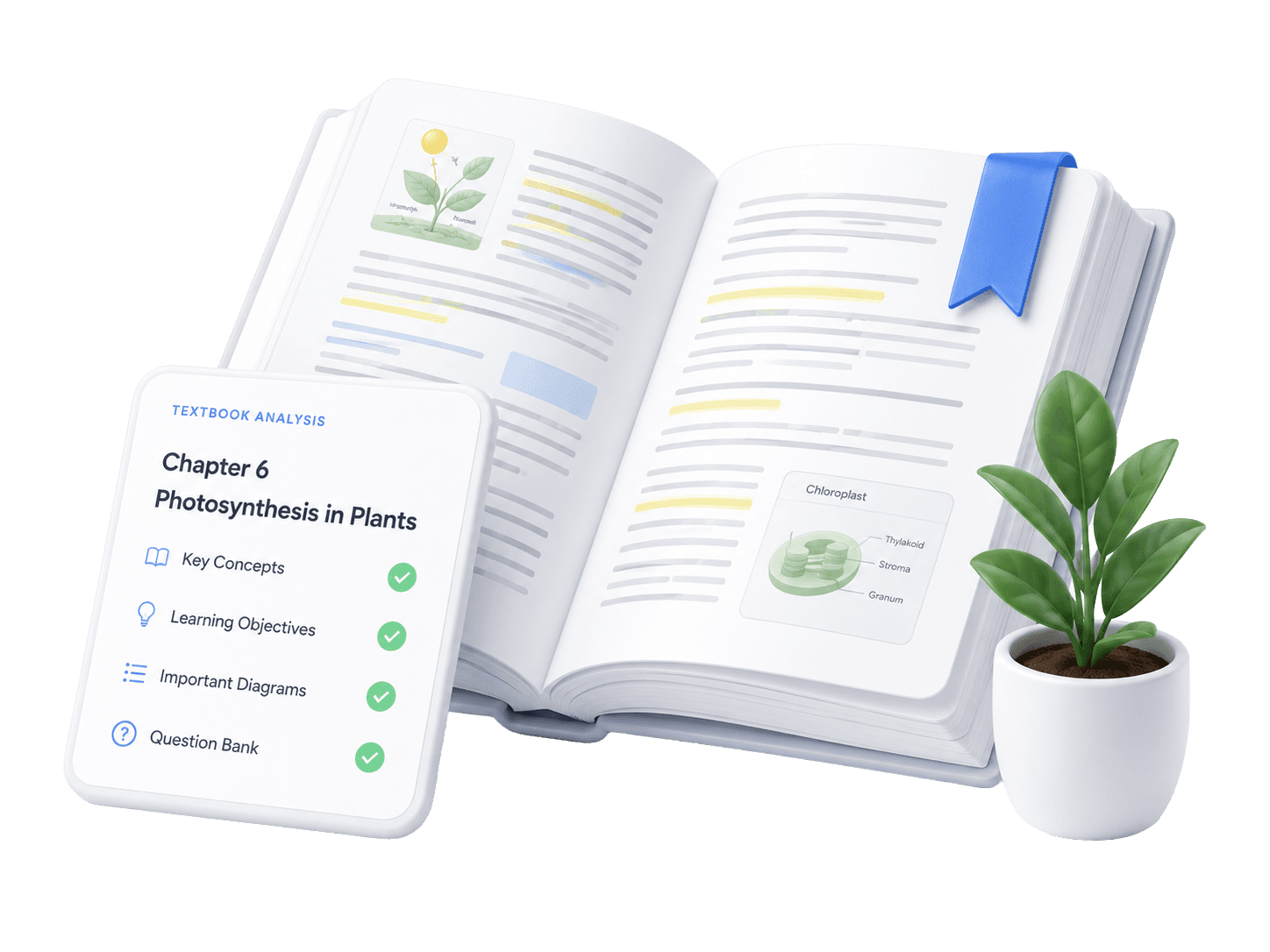
  • Uses the selected board or curriculum
  • Uses the selected class, subject, textbook, and chapter
  • Follows chapter flow, key concepts, examples, and exercises
  • Creates more accurate, syllabus-aligned classroom content
Open textbook with textbook analysis checklist

How it works

From textbook to teaching material in seconds.

1
Teacher selecting a textbook chapter from a digital library.

Select your textbook

Choose the board, class, subject, book, and chapter you want to teach.
2
TeachPad tool icons for lesson plans, worksheets, presentations, notes, and activities.

Choose what you want to create

Pick a lesson plan, worksheet, presentation, notes, or classroom activity.
3
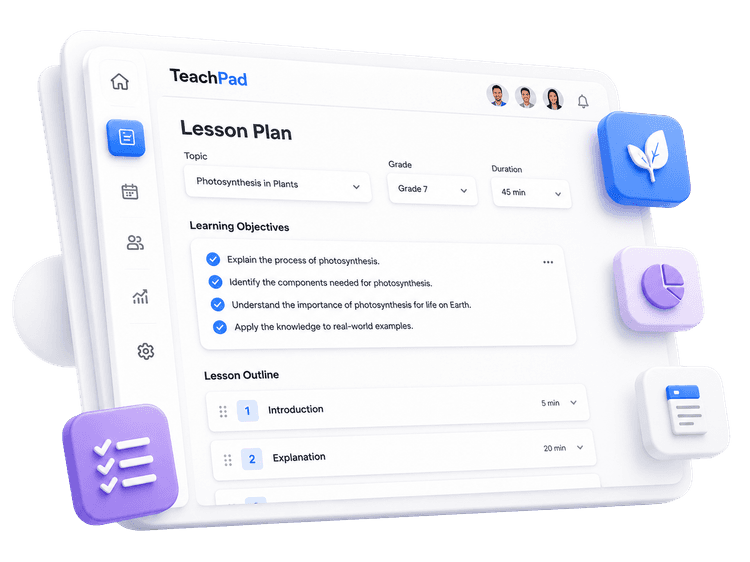
Editable lesson plan output generated from textbook content.

Review, edit, and use

TeachPad generates from the chapter, then you can customize, save, download, or use it directly in class.
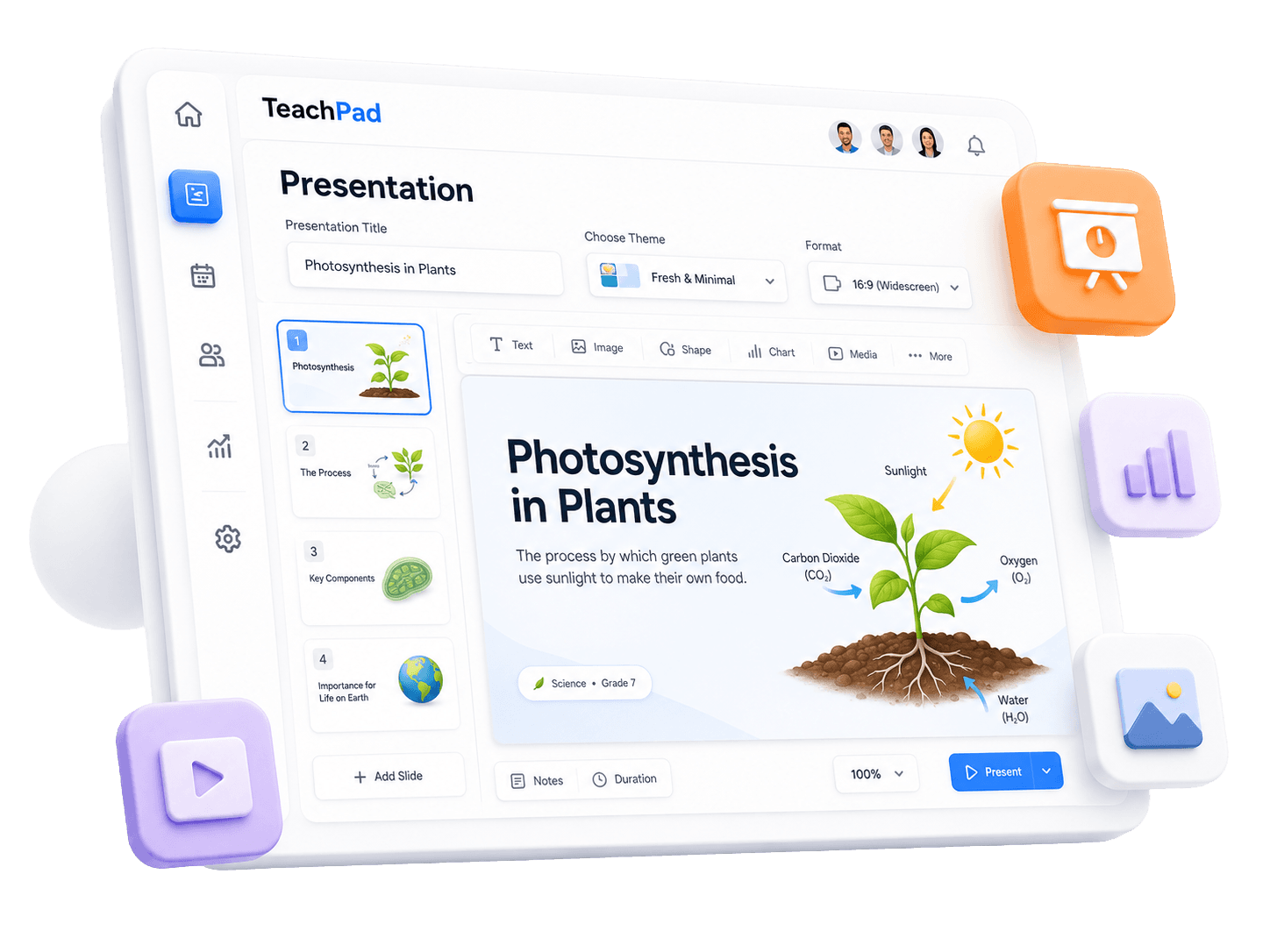
Presentation output preview
Output quality

Beautiful content.
Every time.

TeachPad outputs are designed for real teachers, not just for looking good on screen. Every resource is structured, editable, and easy to use in daily teaching.

  • Clear headings and sections
  • Editable, download-ready output
  • Saved resource library
3D school building illustration
For schools

Keep every classroom aligned
with the textbook.

TeachPad helps schools make teaching preparation faster, more consistent, and more curriculum-aligned.

Reducing teacher planning time
Maintaining syllabus and chapter alignment
Improving consistency across classes
Creating reusable teaching resources

“TeachPad helps teachers prepare faster without moving away from the textbook. The content follows the chapter, feels easy to edit, and works well for real classroom teaching.”

Academic Coordinator

Partner School
Create everything from your textbook.

No credit card requiredBuilt for Indian teachers and schools
Backpack, globe, books, and stationery illustration