What is a lesson plan?
A lesson plan is a teacher's classroom guide for a topic or chapter. It usually includes learning objectives, teaching steps, examples, activities, assessment questions, homework, and teacher notes.
Create textbook-based lesson plans in seconds. Select your board, class, subject, textbook, chapter, topic, and duration. OneSkool creates a ready-to-use lesson plan with objectives, classroom flow, activities, assessment, homework, and teacher notes.
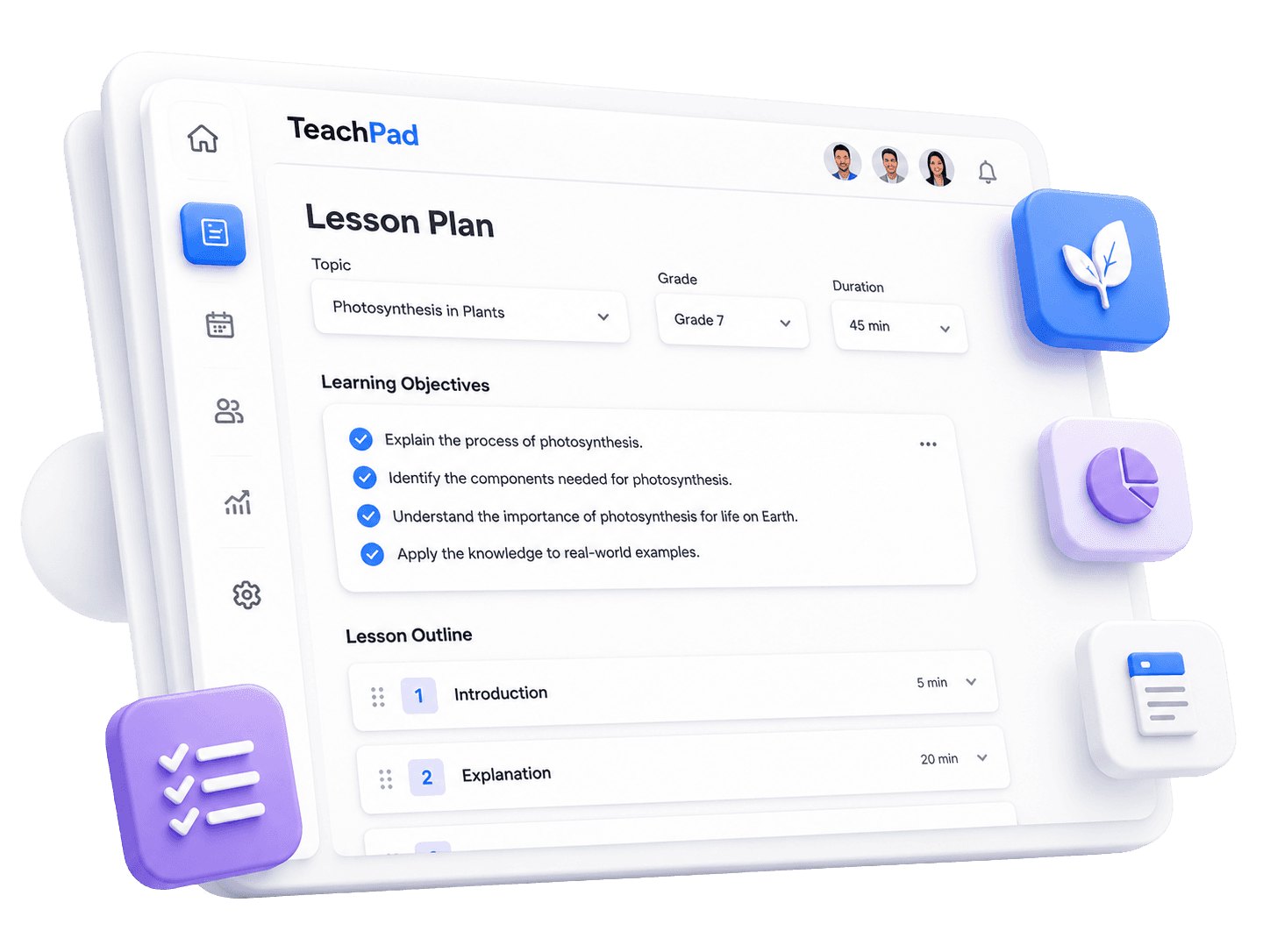
OneSkool is a textbook-based lesson plan generator for teachers who want the plan to match the chapter they are teaching. Select the exact curriculum details, and OneSkool prepares a structured classroom plan around that chapter instead of producing a generic document.
It helps teachers, tutors, coaching teachers, and academic content creators prepare daily lessons faster while keeping the textbook at the center.
Select board/curriculum, class, subject, textbook, and chapter.
Generate lesson plans aligned with the chapter topic.
Avoid starting from a blank document.
Create classroom-ready plans for daily teaching.
Useful for school teachers, tutors, coaching teachers, and academic content creators.
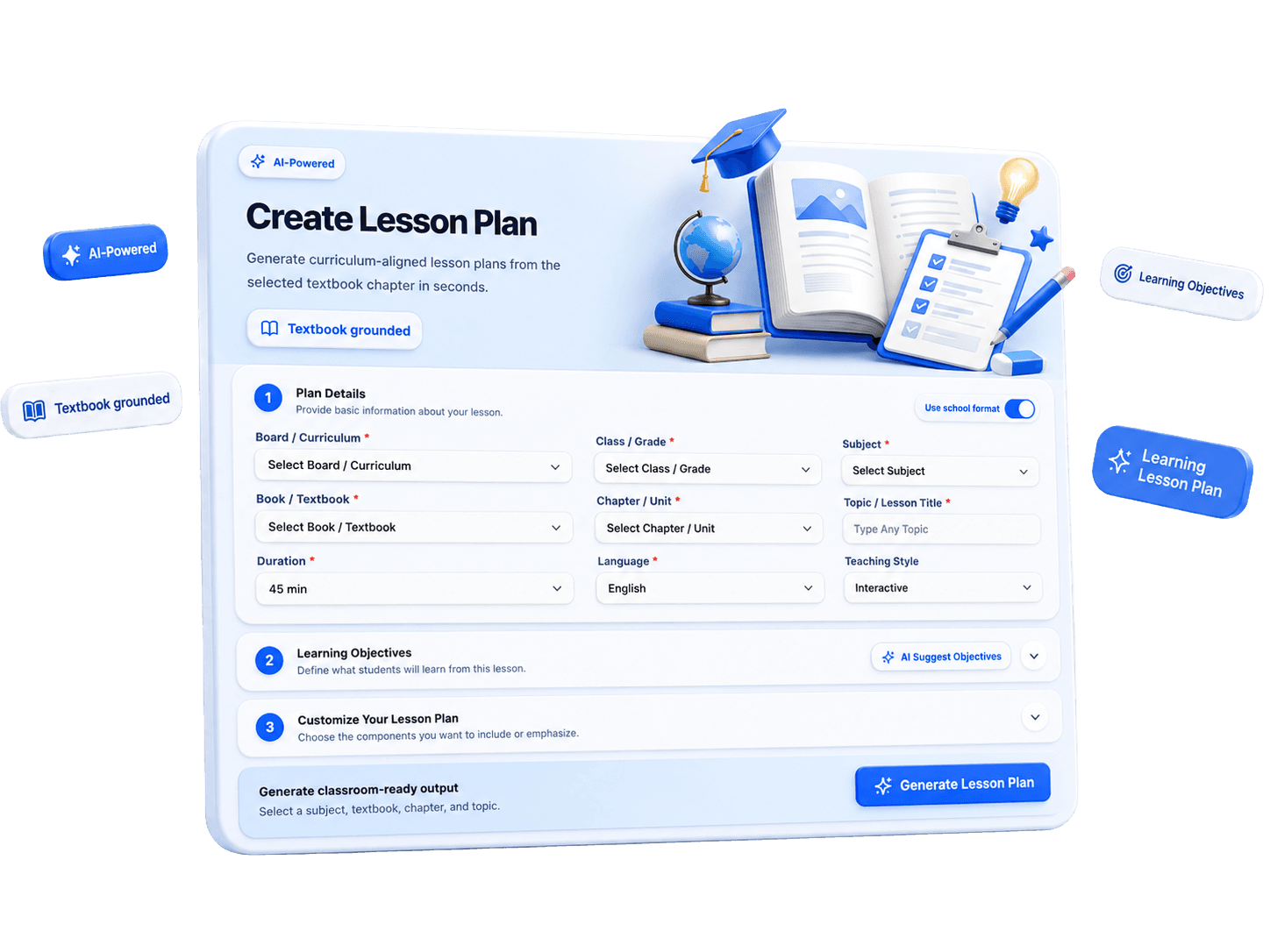
A clear lesson plan format helps teachers enter the classroom prepared. OneSkool can support daily lesson plan for teachers, 5E lesson plan and 5E model lesson plan structures, micro teaching lesson plan practice, English lesson plan preparation, lesson plan in Hindi, and primary school lesson plan format needs.
How it works
Select the board, class, subject, textbook, and chapter you want to teach.
Enter the topic, duration, language, and any classroom preferences.
OneSkool creates objectives, explanation flow, activities, assessment, and homework.
Review the editable lesson plan and prepare it for school records or classroom use.
Teachers can review the generated plan, adjust the wording, add school-specific details, and use it as an editable lesson plan template for daily teaching.
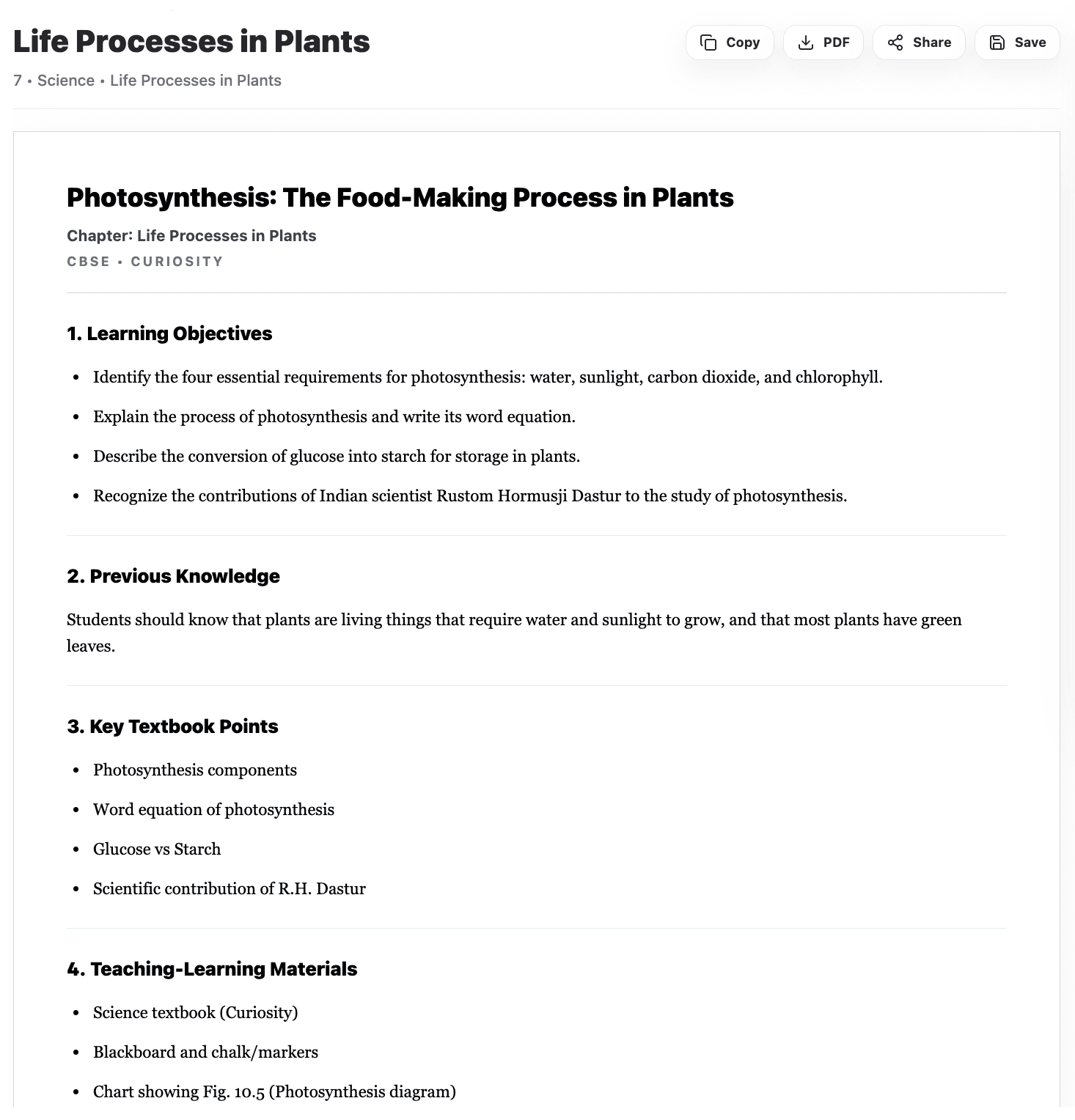
OneSkool creates editable lesson plans that teachers can review, customize, and use for classroom teaching or school records. You can adjust the wording, add your own teaching notes, and prepare the plan in a format that fits your school requirements.
Use your generated plan as a lesson plan template, a lesson plan example, or a daily teaching record. If PDF export is enabled in your OneSkool setup, teachers can also download the final lesson plan as a PDF for easy sharing and printing.
Related teacher tools
These tools support the lesson plan, but the main focus of this page is lesson planning from textbook chapters.
School coordinators and principles use OneSkool to keep lessons consistent across sections. By selecting the textbook, teachers generate plans that follow the chapter sequence, exercises, and examples.
We know teachers have tight schedules. OneSkool is built to produce lesson plans that work in actual classrooms, with realistic timings, simple activities, and clear syllabus grounding.
A lesson plan is a teacher's classroom guide for a topic or chapter. It usually includes learning objectives, teaching steps, examples, activities, assessment questions, homework, and teacher notes.
Start with the textbook chapter, decide the learning outcomes, choose a lesson plan format, add teaching aids, plan the explanation flow, include an activity, and finish with assessment and homework. OneSkool helps create this structure quickly.
Yes, teachers can start creating lesson plans on OneSkool for free. Some advanced features, higher generation limits, exports, and saved resources may depend on the selected plan.
Yes. OneSkool can create daily lesson plans from selected textbook chapters, including classroom flow, activities, questions, and homework.
Yes. OneSkool can help teachers create a 5E lesson plan with Engage, Explore, Explain, Elaborate, and Evaluate stages.
Yes. Teachers can create lesson plans in English or Hindi depending on classroom needs and product language support.
If PDF export is enabled, teachers can download lesson plans as PDF files for school records, printing, or sharing. Teachers can also edit and save their generated lesson plans inside OneSkool based on the available product features.
Yes. OneSkool can help teachers create worksheets, MCQs, notes, question papers, presentations, and activities from the same chapter.
Yes. OneSkool is designed for textbook-based planning, which makes it useful for NCERT, JKBOSE, and other school curriculum needs.
Teachers usually need to select or enter board, class, subject, textbook, chapter, topic, duration, language, and teaching preferences.