
What is a presentation generator?
A presentation generator is a tool that helps teachers create slide content, diagrams, examples, and layout outlines for visual classroom teaching.
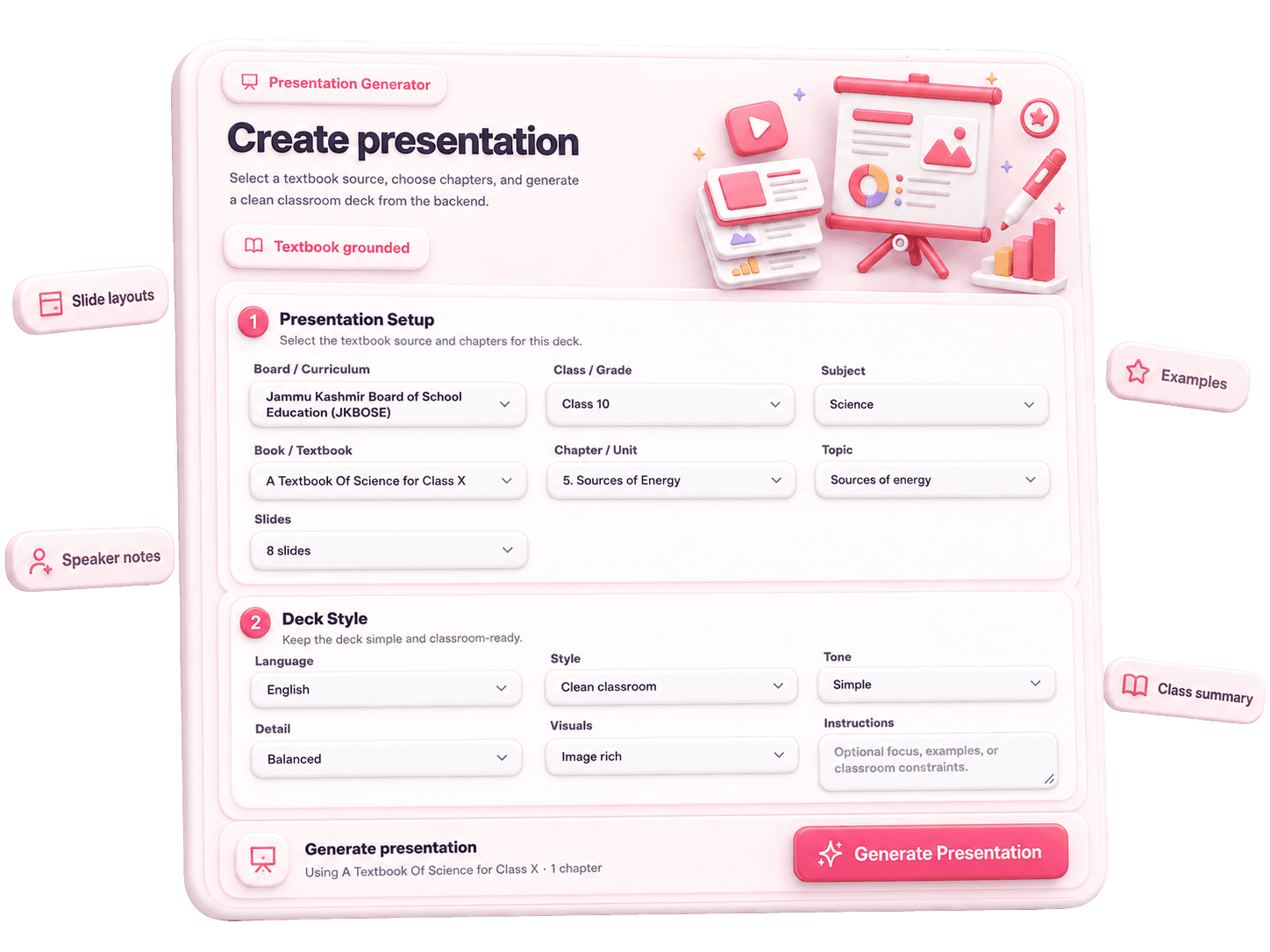
Create classroom-ready presentations in seconds. Select your board, class, subject, textbook, chapter, topic, number of slides, and language. OneSkool creates a structured teaching presentation with slide titles, key points, examples, classroom visuals, and speaker notes.
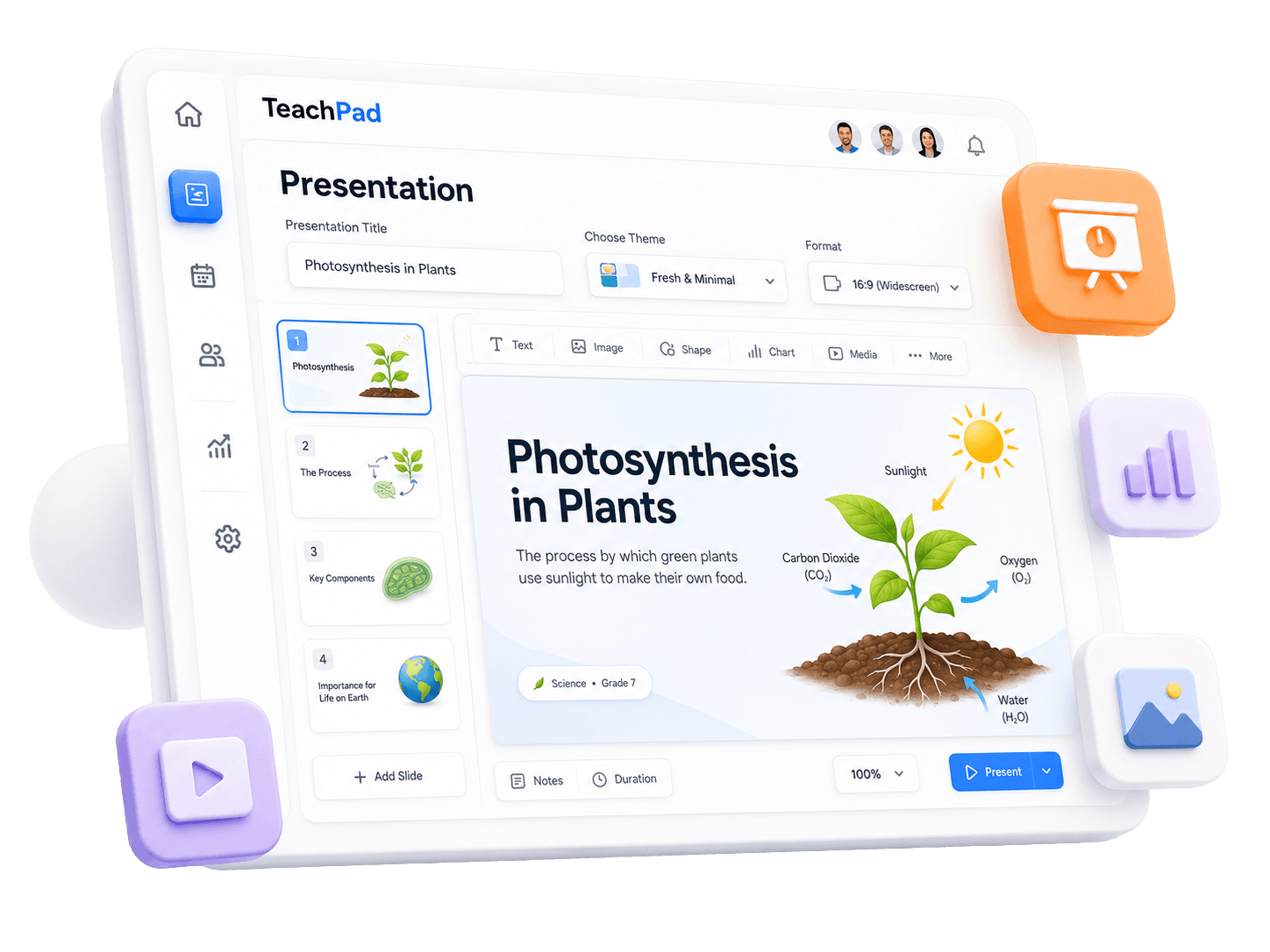
OneSkool works as a presentation generator for teachers who want classroom slides connected to the exact chapter they are teaching. Use it as a teaching presentation generator, lesson presentation generator, classroom presentation maker, or textbook-based presentation generator when you need a clear PPT without starting from a blank file.
It helps school teachers, tutors, coaching teachers, and academic content creators prepare chapter presentations for explanation, examples, activities, and recap.
Select board/curriculum, class, subject, textbook, and chapter.
Choose slide settings, duration, and teaching preferences.
Generate explanation slides aligned with the chapter flow.
Create visual aids, explanation prompts, and quick quiz slides.
Avoid starting explanation slides from a blank deck.
Useful for school teachers, tutors, coaching teachers, and academic content creators.
Presentation content
Create classroom PPTs with the structure teachers need for explanation, student engagement, recap, and quick checks.
Slide-by-slide concepts, definitions, and main topics from the selected chapter.
Teachable slide structures, diagrams, bullet points, and explanation aids.
engagement prompts, discussion topics, and quick exercises to keep the class active.
Summary points, exit checks, and quick questions to check chapter understanding.
Presentation types
Teachers need different presentation styles for different classroom needs. OneSkool can help create lesson PPTs, revision decks, quiz slides, chapter summaries, and visual classroom presentations.
Explain chapter concepts step-by-step with structured slide content.
Summarize main formulas, terms, definitions, and key points before exams.
Create interactive question slides, MCQs, and checks to keep students active.
Teachable visual flow, diagrams, and examples tied to textbook details.
How it works
Select the board, class, subject, textbook, and chapter.
Select slide count, duration, presentation preference, and language.
OneSkool creates slides and explanation prompts based on the chapter.
Review the presentation, edit slide content, add notes, and prepare it for classroom teaching.
A classroom presentation can include slide titles, teaching bullets, activities, recap questions, and speaker notes.
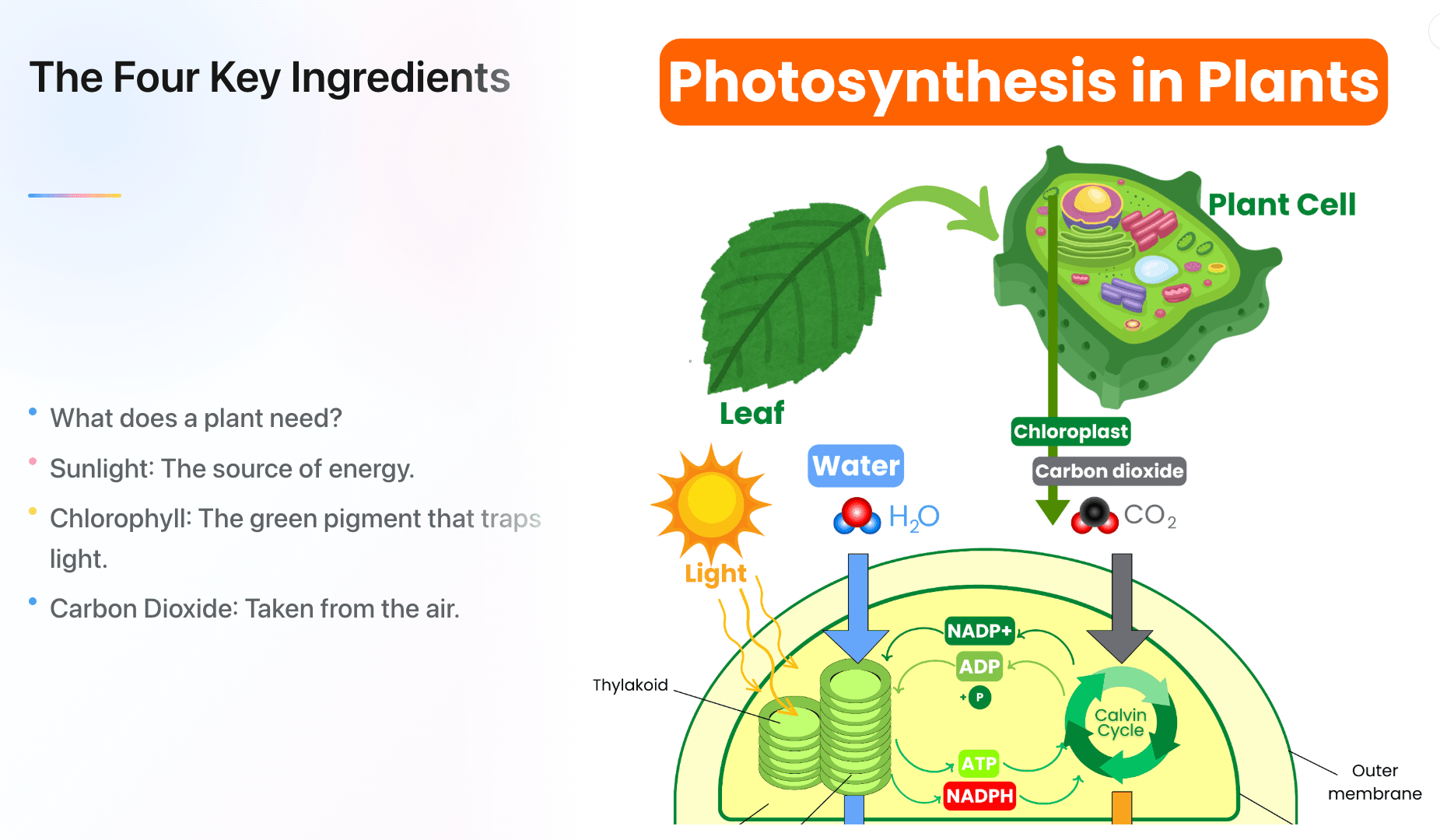
OneSkool can help teachers create presentations with speaker notes so they know what to explain on each slide. Speaker notes make classroom teaching smoother, especially when teachers want a clear flow for explanation, examples, recap, and questions.
Use speaker notes with a teaching PPT, classroom PPT, lesson PPT, or PowerPoint presentation for teachers when you want the slide deck and explanation flow ready together.
OneSkool creates editable classroom presentations that teachers can review, customize, and use for teaching, revision, or school activities. You can adjust slide content, add examples, include your own instructions, and prepare the presentation in a format that fits your classroom needs.
Use your generated presentation as a lesson PPT, chapter summary presentation, revision presentation, or classroom explanation deck. If PPT or PDF export is enabled in OneSkool, teachers can download the final presentation for easy sharing and classroom use.
Related teacher tools
These tools support presentation planning, but the main focus of this page is creating classroom presentations and PPTs.
Add classroom activities and discussion prompts to your lesson.
Create ActivityExplore common presentation topics and classroom slide ideas teachers can create for explanation, revision, and student engagement.
Explore classroom PPT formats, lesson presentation ideas, chapter summary slides, quiz presentations, and teaching presentation examples for school teachers.
FAQ
A presentation generator is a tool that helps teachers create slide content, diagrams, examples, and layout outlines for visual classroom teaching.
Teachers enter the curriculum info: board, class, subject, textbook, and chapter. Then choose duration, number of slides, and language. OneSkool creates slides and explanation notes based on the chapter content.
Teachers can start using OneSkool for free to generate teaching slides. Advanced options, higher generation limits, exports, and saved resources may depend on the selected plan.
If PPT export is enabled in your OneSkool subscription, teachers can download generated slide decks for Microsoft PowerPoint, Google Slides, or Apple Keynote.
Yes. OneSkool generates slide content and corresponding explanation prompts in speaker notes so teachers know exactly what to cover on each slide.
Teachers can create presentations for science topics, math explanations, history lessons, literature summaries, and any other chapter covered in supported school textbooks.
Yes, OneSkool supports slide creation in English or Hindi depending on product language configurations.
Yes. Because OneSkool is grounded in textbooks, teachers can select NCERT or CBSE-aligned books to generate matching classroom presentations.
Yes. School teachers should be able to review, edit, reorganize, and customize the slide content and speaker notes inside OneSkool.
Yes. Presentation templates can include recap slides, exit check questions, active classroom prompts, and discussion topics at the end.
Choose the class, subject, topic, or chapter you are teaching and let OneSkool prepare a structured presentation with slide titles, teaching points, examples, recap questions, and speaker notes.